 Podcast StudioSan Antonio
One Episode, Ten Shorts: How to Use YouTube's New Podcast-to-Shorts Tool
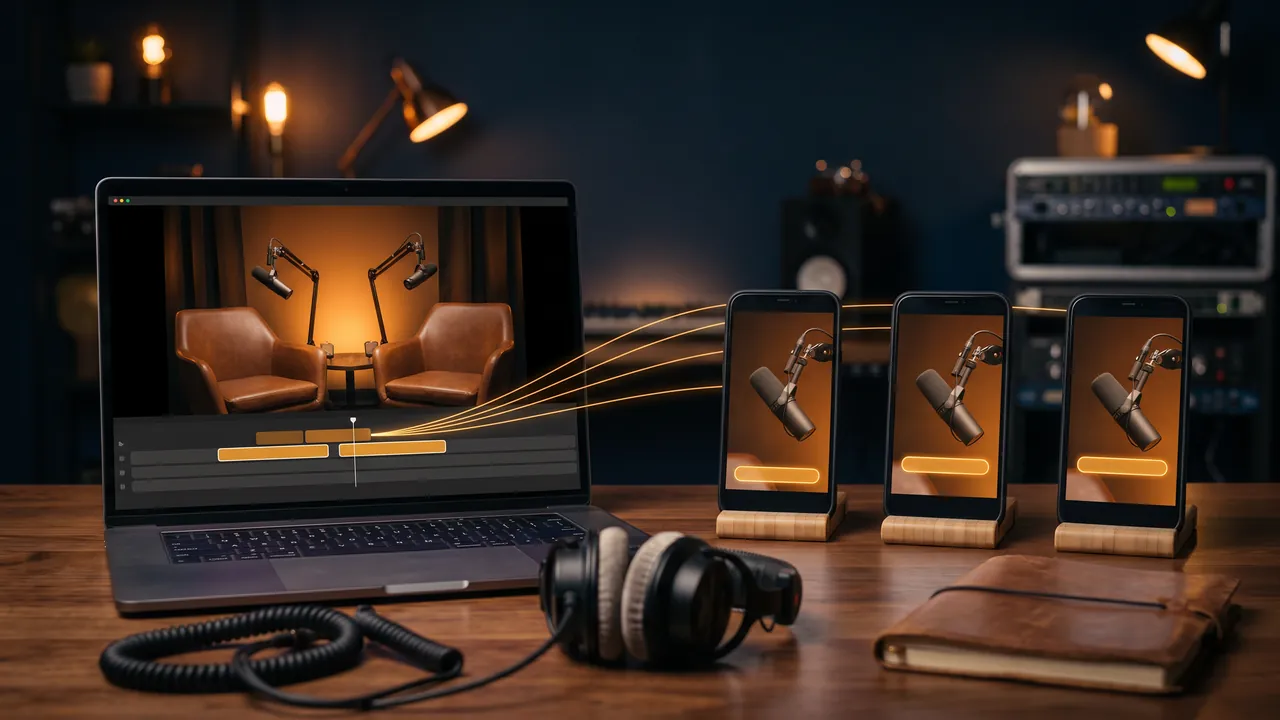
Every podcast episode has a handful of moments that could stop someone mid-scroll. Until now, getting them out meant exporting clips, reframing them for vertical and captioning them in separate software. YouTube just moved that work inside YouTube Studio. Here's how the new podcast-to-Shorts tool works, a workflow for getting ten Shorts from one episode, and where a multicam edit still wins.
The news
What YouTube Changed
In mid-November 2026, YouTube expanded the video clips and Shorts tool in YouTube Studio for podcast episodes. According to YouTube's help center and coverage in Search Engine Journal and PPC Land:
- Select by transcript or timestamp. Highlight the words you want in the episode's transcript, or set start and end times on the timeline.
- Automatic vertical reframing. The tool crops your widescreen episode to vertical. YouTube hasn't said how it chooses what stays in frame.
- Automatic captions. Where auto-captions are available, they're added for you. You can change the color, font, style and position, or turn them off.
- AI suggestions and outlines. In Brazil, Canada, France, Germany, India, Mexico, South Korea, Spain, the U.K. and the U.S., YouTube suggests clips and shows an AI outline of the transcript. Suggestions work in English, French, German, Hindi, Korean, Portuguese and Spanish.
- A built-in link back. The full episode is added as the related video on every Short you make with the tool, unless the Short is private, unlisted or made for kids.
"You won't be penalized for using your content in a video clip or Short."YouTube Help, Video Clips & Shorts in YouTube Studio
That matters because YouTube said in October that it would reduce reach for channels that mainly re-upload other people's clips. Cutting Shorts from your own long-form episodes is a different thing, and YouTube is saying so plainly.
Step by step
How to Make a Short From a Podcast Episode in YouTube Studio
- Open the episode. In YouTube Studio, go to Content, then Videos, and click the episode.
- Open the tool. Choose Clips and Shorts in the left-hand menu, click Create clip or Short, and pick Short.
- Choose the moment. Highlight transcript text and click Confirm selection, enter timestamps in the timeline, or start from one of the AI suggestions.
- Tighten it. Adjust the start and end points with the transcript or the timeline. Start on the first word of the thought, not the breath before it.
- Style the captions. Adjust the font, color and position so captions don't cover a face, or turn them off if you'll add your own.
- Preview. Click Preview Short. The preview may be lower resolution than the final video, and may show black bars where the final version uses a blurred crop.
- Create the draft and publish. Click Create draft, then finish the title, description and visibility in the standard upload screen.
The workflow
One Episode, Ten Shorts: A Workflow That Holds Up
The tool makes cutting fast. Picking the right moments is still the job. This is the approach we use for the shows we produce:
- Plan three or four "clip moments": a strong opinion, a specific number, a short story, a clear piece of advice. Guests who know this give tighter answers.
- Read the transcript or the AI outline and mark 12 to 15 candidates. Each one should make sense with no setup.
- Keep the ones that open with a hook in the first sentence and end on a complete thought. Most land between 30 and 90 seconds.
- Publish one or two Shorts a day rather than all ten at once, so each has room to find viewers and point them back to the episode.
- Check which Shorts sent viewers to the full episode, not just which got the most views. Plan the next episode's clip moments around that.
The same ten verticals can go to Instagram Reels, TikTok and LinkedIn. Shorts made in YouTube Studio live on YouTube, so for other platforms you'll want the exported files.
Know the limits
YouTube's Auto-Crop vs. a Multicam Vertical Edit
An automatic crop works from one widescreen frame. In a two- or three-person conversation, that frame is usually a wide shot, so a 9:16 slice can cut someone in half, miss the reaction, or leave the speaker small. Here's how the options compare:
| YouTube Studio tool | Multicam vertical edit | |
|---|---|---|
| Source | The single published 16:9 episode | Each speaker's own camera angle |
| Framing | Automatic crop; YouTube hasn't said how it picks the subject | Cuts between speakers, with each person framed for vertical |
| Captions | Auto-captions with basic styling | Branded captions, checked word by word |
| Audio | Whatever is in the episode mix | Re-leveled for phone speakers, with dead air removed |
| Where it publishes | YouTube Shorts | YouTube, Instagram, TikTok, LinkedIn and anywhere else |
| Best for | Fast, frequent clips from every episode | Your best moments, ads and guest promotion |
The practical answer for most business shows is both. Use the tool to keep a steady flow of Shorts from every episode, and invest in a proper multicam edit for the three or four moments that matter most.
Housekeeping
Keep Your Podcast Playlist Clean, and Know the 2027 Shorts Rules
- Only full episodes in the podcast playlist. YouTube's help center recommends it. Clips and Shorts still appear in your channel's Videos and Shorts tabs, so viewers can find them without cluttering the podcast feed.
- Shorts payouts are changing. PPC Land reported in August, citing YouTube's help center, that from February 1, 2027, channels need 10 million qualified Shorts views in the last 90 days to keep earning a share of the Shorts Creator Pool. It doesn't affect earnings from long-form videos.
- For most business podcasts, Shorts aren't about Shorts revenue. They're how new people find the show, and the related-video link sends them to the full episode, where long-form earnings, sponsorships and leads happen.
Where we come in
Getting More Shorts From Every Session in San Antonio
Our studios at I-10 and 410 record every session on up to five 4K cameras, so every speaker has their own angle to cut vertical clips from. You leave with the full 16:9 episode for YouTube and Apple Podcasts, the audio, and short clips for Shorts, Reels and LinkedIn, so the YouTube tool becomes a bonus rather than your only option. For the numbers worth tracking once your Shorts are out, see our guide to YouTube engaged views, and for distribution beyond YouTube, read LinkedIn as a discovery platform.
Keep reading
Related Guides From the Studio
Frequently Asked Questions
Can YouTube turn a podcast episode into Shorts automatically?
Yes. In YouTube Studio, open the episode, choose Clips and Shorts, then Create clip or Short, and pick Short. Select a moment from the transcript or timeline, or start from an AI suggestion. YouTube reframes the 16:9 video to vertical and adds auto-captions where they're available.
Where are YouTube's AI clip suggestions available?
AI-suggested clips are available in Brazil, Canada, France, Germany, India, Mexico, South Korea, Spain, the United Kingdom and the United States, in English, French, German, Hindi, Korean, Portuguese and Spanish. Any video creator can use the manual clips and Shorts tool.
Will YouTube penalize me for making Shorts from my own podcast?
No. YouTube's help center says you won't be penalized for using your content in a video clip or Short. YouTube's October 2026 reach reduction targets channels that mainly re-upload other people's clips, not creators cutting Shorts from their own episodes.
Do Shorts made with the tool link to the full episode?
Yes. The source episode is automatically added as the related video on any Short created with the tool, unless the Short is private, unlisted or made for kids. For standard clips, YouTube suggests adding a link to the full episode in the description.
Should Shorts go in my YouTube podcast playlist?
No. YouTube recommends keeping only full episodes in your podcast playlist. Clips and Shorts still show up in your channel's Videos and Shorts tabs.
How long can a YouTube Short be?
Up to three minutes, a limit YouTube has applied to Shorts since October 2024. YouTube hasn't published a separate length limit for the clips tool. For podcast clips, 30 to 90 seconds built around one complete thought usually works best.
What changes for Shorts monetization in 2027?
PPC Land reported that from February 1, 2027, channels need 10 million qualified Shorts views over the previous 90 days to keep earning a share of the Shorts Creator Pool. Long-form earnings are not affected. For most business podcasts, Shorts matter more as a way to bring new viewers to full episodes than as a revenue source.
Record Once, Clip Everything
Get More Shorts From Every Episode
Bring your expertise and your guests. We'll record on five 4K cameras so every speaker has their own angle, then deliver the full episode, the audio and vertical clips ready for YouTube Shorts, Reels, TikTok and LinkedIn.
Sources
- YouTube Help: Video Clips & Shorts in YouTube Studio
- Search Engine Journal: YouTube's Clips Tool Turns Podcast Episodes Into Shorts (Nov 15, 2026)
- PPC Land: YouTube Studio now turns 16:9 podcast segments into vertical Shorts (Nov 12, 2026)
- PPC Land: YouTube cuts Shorts pay for channels under 10M views from February 2027 (Aug 12, 2026)